

 English
  русский
  Español
  عربى
عربى 
Content
- 1 Why a Standing Desk Needs an Anti-Fatigue Mat
- 2 Three Measurements That Decide the Right Mat Size
- 3 Anti-Fatigue Mat Thickness and Density: What Actually Works
- 4 What the Data Says About Fatigue by Floor Surface
- 5 Where the Mat Belongs Under Your Desk
- 6 Pairing a Standing Desk With Anti-Fatigue Mats: Pneumatic and Electric Models
- 7 Frequently Asked Questions
How to Pair a Standing Desk with Anti-Fatigue Mats: Sizing and Placement Guide
2026-09-21
Pairing a standing desk with anti-fatigue mats is a measurement exercise, not a style decision. The first hour on a new height-adjustable desk feels great; the second hour is when the floor answers back. On polished concrete, hardwood, or laminate, the heels take the load, the calves tighten, and the adjustment routine quietly falls apart. A standing desk solves the sitting problem, but the mat decides whether standing is sustainable.
Why a Standing Desk Needs an Anti-Fatigue Mat
An anti-fatigue mat works because it deforms slightly under your weight, forcing the calf and thigh muscles to make continuous micro-adjustments instead of locking into one static posture. That subtle instability keeps blood moving through the lower legs and spreads pressure across more of the foot.
Field measurements from workplace ergonomics studies consistently show that workers on anti-fatigue mats finish a four-hour shift with roughly 30-50 percent less leg and lower-back discomfort than colleagues on bare concrete or tile.
On a rigid floor, body weight stays parked on the same small contact areas under the heels and forefeet. Blood flow slows, oxygen supply drops, and the familiar tingling and heel soreness appear within 45 to 90 minutes. A 10-15mm mat changes the load pattern completely, which is why anti-fatigue mats are not a luxury add-on; they are a load-bearing part of the ergonomics system, as important as the desk's height range or the monitor's eye level.
Three Measurements That Decide the Right Mat Size
The correct mat size comes from three numbers: the width of your desk, the width of your standing stance, and the clearance your chair needs to roll away when you sit down.
- Desk width: a 120cm desk with a single monitor needs only a 60 x 90cm mat because the feet stay inside a small active zone. A 140-160cm desk with dual monitors allows more lateral movement, so plan on 90 x 150cm.
- Stance width: stand naturally at the desk and measure the distance between your heels. Most people land between 20 and 30cm. Add 20cm on each side so weight shifts and position changes never step off the mat.
- Chair clearance: for sit-stand workstations, the mat's rear edge must stay at least 10-15cm away from the desk base so casters roll over cleanly without catching.
Size rule: measure the stance first, then the desk. The mat must always be wider than the natural foot movement zone, never exactly equal to it.
| Desk width | Monitor layout | Recommended mat |
| 120cm | Single monitor | 60 x 90cm |
| 140-160cm | Dual monitor | 90 x 150cm |
| 180cm+, corner or shared | Multi-screen | Two 60 x 90cm mats or one 120 x 180cm |
Anti-Fatigue Mat Thickness and Density: What Actually Works
The usable range for full-workday standing is 10 to 15 millimeters, and density matters more than raw thickness. A mat thinner than 9mm bottoms out on hard floors after a few hours and behaves like a slightly softer tile; a mat thicker than 18-20mm feels comfortable for the first 30 minutes but makes the ankles work harder, creating a different kind of fatigue.
Foam mats
Best for people who stay in one standing position and want a springy, forgiving surface. Lighter, cheaper, and easier to clean, but foam can compress permanently in high-traffic zones.
Gel-core mats
Best for long shifts on concrete or tile. The gel redistributes pressure more evenly across the foot, at the cost of higher weight, higher price, and a softer balance that not every user likes.
| Material | Typical thickness | Feel | Best use |
| PVC / EVA foam | 10-12mm | Soft, springy | Light office use, budget setups |
| Nitrile rubber | 12-15mm | Dense, firm | Heavy standing, workshop floors |
| Gel core | 15-20mm | Fluid cushion | Full-day standing on hard floors |
| Vinyl top + foam base | 10-13mm | Firm surface, soft base | Sit-stand desks with rolling chairs |
Density is the filter most buyers skip. A soft mat under a heavier user (90kg and above) compresses almost completely and transfers the load straight to the floor. Press the mat with one finger: if the surface sinks more than 3-4mm, it is too soft for a full workday.
What the Data Says About Fatigue by Floor Surface
After four hours of continuous standing, reported leg fatigue drops from roughly 78 percent on bare concrete to about 29 percent on a 15mm gel-core mat. The pattern is consistent across industrial, commercial, and office environments: the largest improvement comes from moving off concrete at all, and every additional 5mm of effective cushion buys another visible drop in discomfort.
Reported leg fatigue after four hours of continuous standing; compiled from workplace ergonomics field data.
78%Leg fatigue on bare concrete after 4 hours
29%Leg fatigue on a 15mm gel-core mat
10-15mmRecommended thickness band for office use
Where the Mat Belongs Under Your Desk
Position the mat so its rear edge sits 5 to 10 centimeters behind your heels when you stand in your normal typing position, with the front half open for weight shifts and small steps. Most people push the mat too far forward, so the heels hang over the edge and the cushion does nothing where the load actually lands.
Stand at the desk in your normal working position and mark the line where your heels touch the floor.
Place the mat's rear edge 5-10cm behind that heel line.
Sit down and confirm the chair casters clear the mat's rear edge by at least 10cm.
Repeat the check in the second working position if you share the desk or use a corner layout.
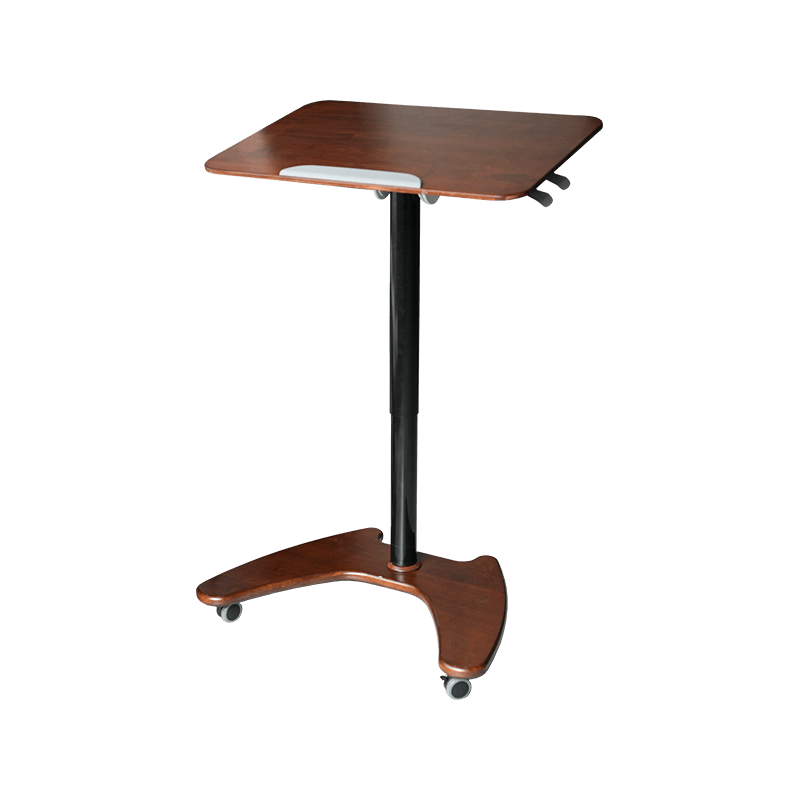
For pneumatic models with a low foot bar, like the flat-legged TH04, the mat must sit behind the bar's contact line so the bar never rests on the cushion surface.
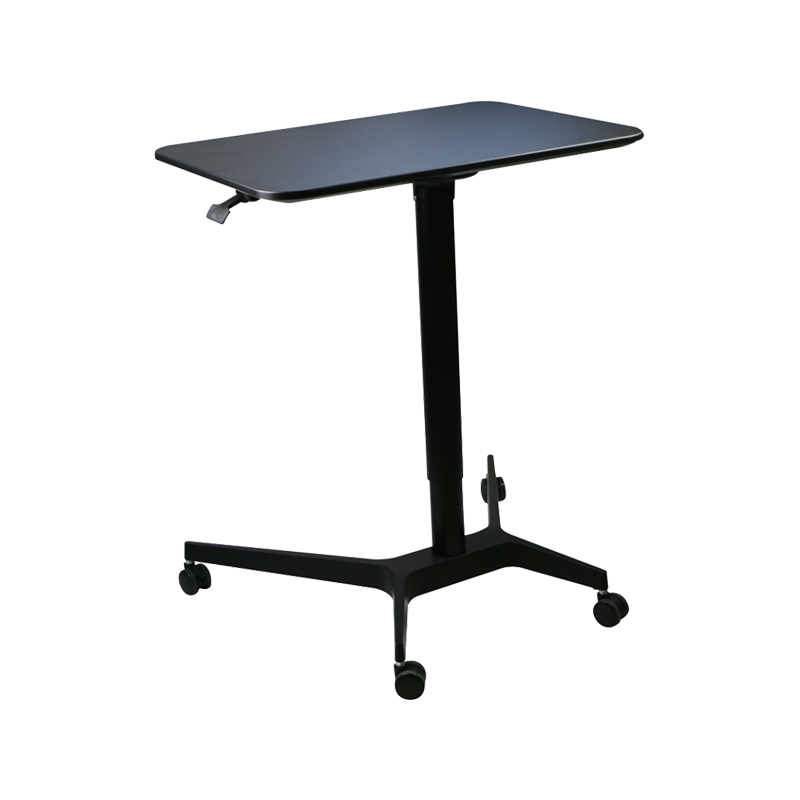 SK04 Stand-Up Flat-Legged Pneumatic Height-Adjustable DeskThis gas-spring desk has a flat foot bar that requires the mat to sit behind its contact line. Its 720–1200mm height range suits seated and standing work, with locking casters for stability.View Product →
If the mat slides on smooth flooring, use a non-slip underlay or tape the corners. A mat that moves is worse than no mat, because the shifting edge becomes a tripping hazard.
Pairing a Standing Desk With Anti-Fatigue Mats: Pneumatic and Electric Models
Both pneumatic gas-spring desks and electric linear-actuator desks accept standard anti-fatigue mats, but the desk's foot design and height range determine how much clearance the mat needs. SuZhou Skyhone Intelligent Technology Co., Ltd. offers both drive types across a 60 to 125cm adjustment range, so the mat plan stays consistent even when the desk mechanism changes.
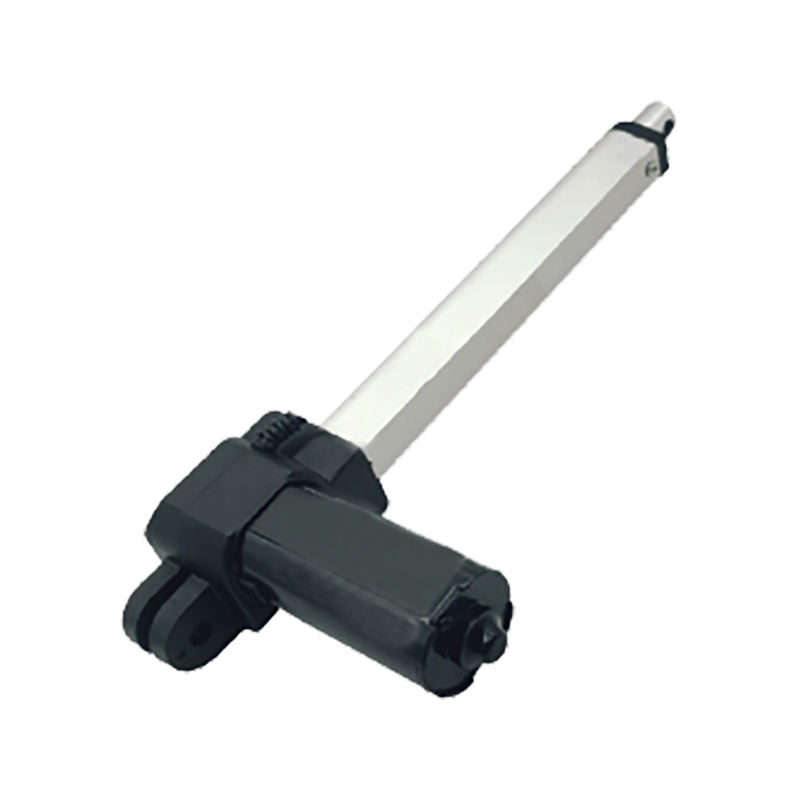
Height-adjustable desks with electric linear actuators cover a full working range from about 60 to 125cm, so you can match mat thickness to the exact standing height you program. Because the desk moves precisely, the mat only needs to cover the two foot positions you settle into for sitting and standing.
 Electric Height-Adjustable Desk Manufacturer OverviewFor those comparing drive systems, this page outlines electric linear-actuator desks with precise height control. It explains how motorized models support programmed sitting and standing positions, helping you plan mat clearance accordingly.View Product →
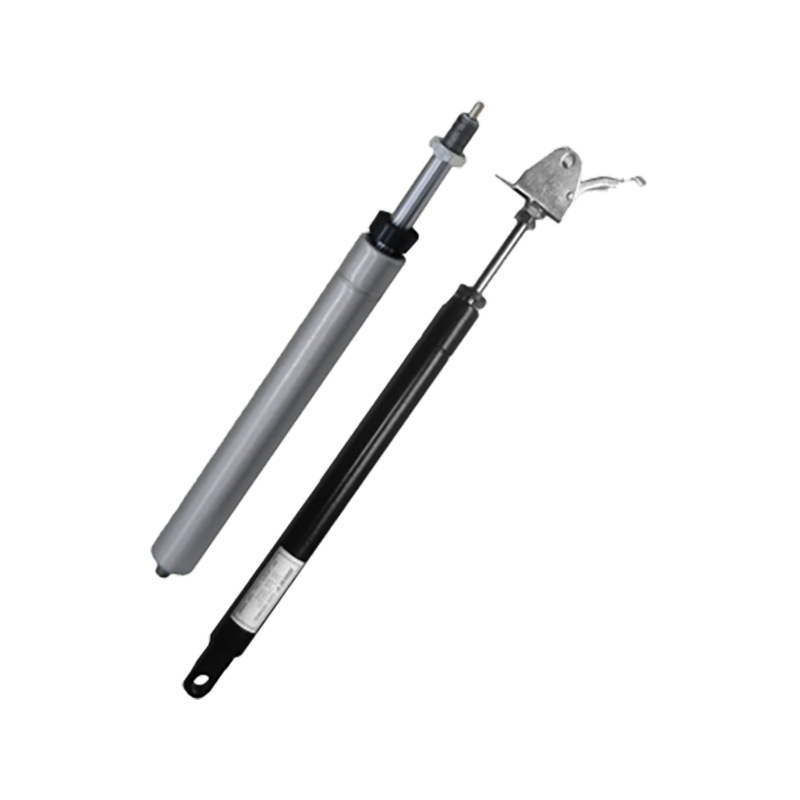
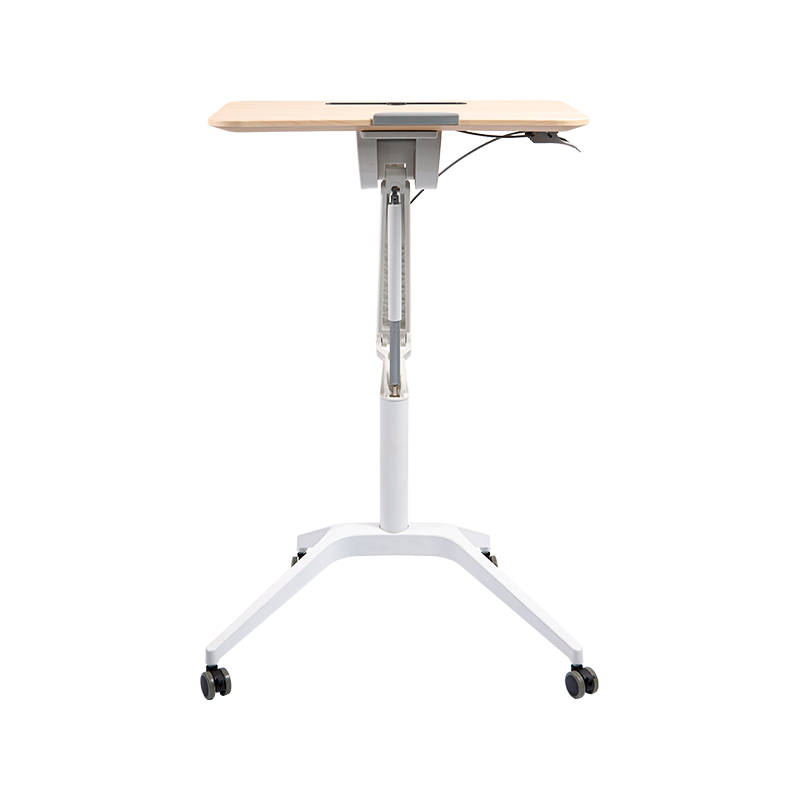
Pneumatic height-adjustable desks adjust without wiring, which makes them a common choice for shared workstations. Many pneumatic models include a foot bar or cross brace near the floor, and the mat has to sit clear of that section so your feet can find a stable position during transitions.
Pneumatic Height-Adjustable Desk Manufacturer OverviewThis page details motorless gas-spring desks for shared or budget-conscious workspaces. It covers models with foot bars and cross braces, useful for checking mat placement and transition stability in commercial or educational settings.View Product →
The wider the desk's height range, the more positions you will actually use, so the mat needs a slightly larger footprint than on a fixed-height desk. Measure the desk at its lowest and highest settings before committing to a mat size.
Integration rule: let the mat serve the full height range. If you alternate between two standing heights, keep the mat under the rear zone of both foot positions so you never step off the cushion.
Frequently Asked Questions
What size anti-fatigue mat do I need for a standing desk?
Measure your natural stance first, add 20cm on each side, then match the length to your desk width. A 60 x 90cm mat covers most single-monitor setups, while a 90 x 150cm mat suits dual-monitor desks from 140 to 160cm wide.
Do anti-fatigue mats work on carpet?
Yes, but the effect is smaller. Low-pile carpet already provides some cushion, and a 10-12mm dense mat still helps. High-pile carpet usually needs a firm mat or a solid board underneath to prevent excessive sinking.
Can I use the same mat for sitting and standing positions?
Yes, when the mat's rear edge stays clear of the chair casters. Choose a beveled edge and a firm top layer so the chair rolls on and off without tipping. If casters catch, a 10-15cm gap between the mat and the desk base solves most layouts.
How long does an anti-fatigue mat last?
A medium-density foam mat in an office typically lasts two to three years before permanent compression appears. Gel-core and rubber mats last longer, usually four to five years, when kept away from direct sunlight and heavy pointed loads.
The pairing comes down to five decisions: stance width, desk width, mat thickness, density, and heel-line placement. Get those right and the height-adjustable desk becomes the system it was meant to be, one where sitting and standing both feel like choices rather than compromises.



- Contact Info
-
-
 Phone+86-15950656125
 -
 Email
Email -
 AddressRoom 1007-1, South Building, Suyue Plaza, Suzhou Industrial Park, Suzhou City, Jiangsu Province, China
-
- Products
- Follow Us
- Need help? Please contact us
Copyright ©
SuZhou Skyhone Intelligent Technology Co., Ltd.
All Rights Reserved.
Privacy
Custom Ergonomic Adjustable Office Tables Manufacturers

